Drafts & MarkupsA head start on new documents.
AI Contract Drafting & Legal Document Automation
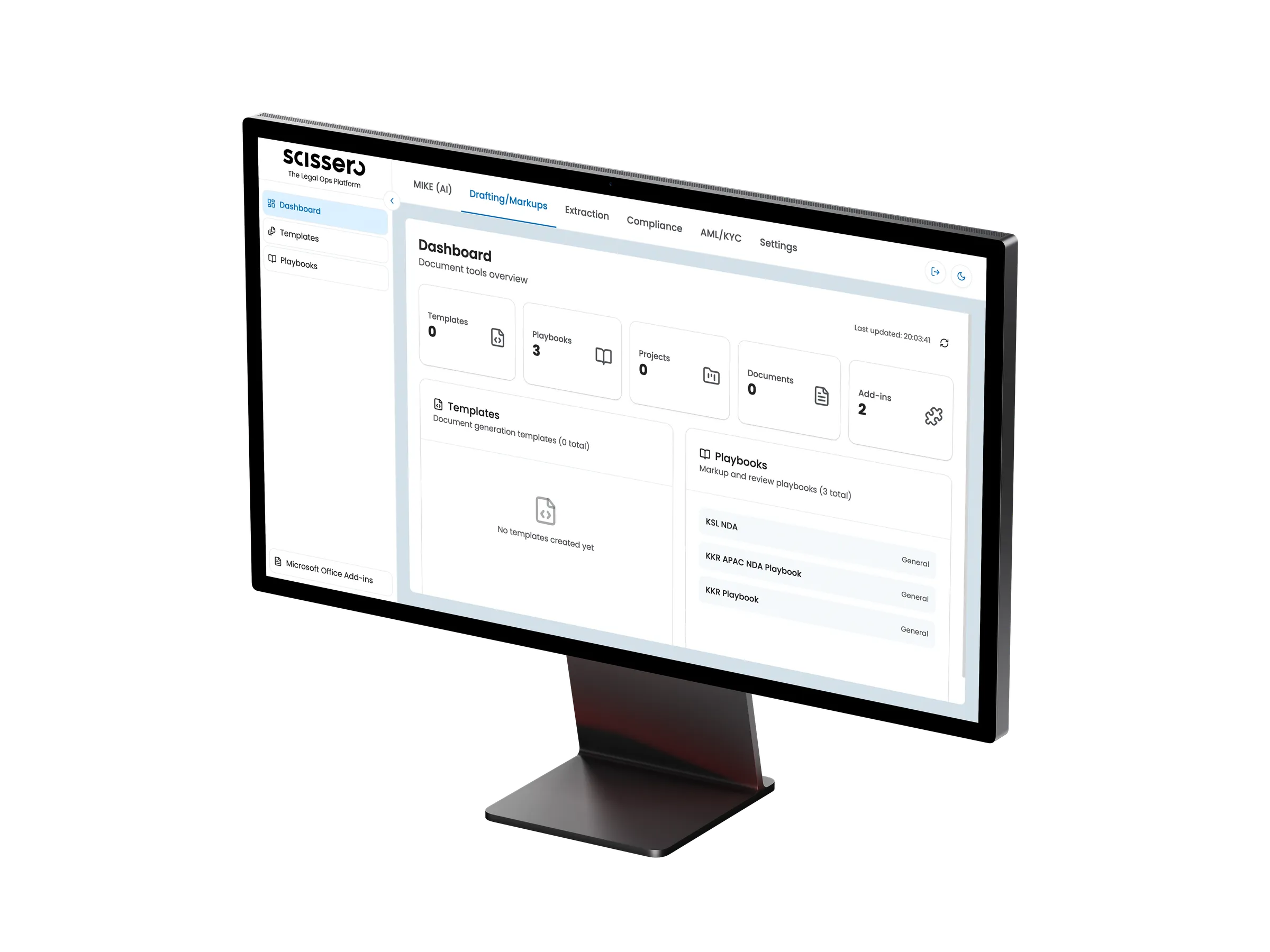
Work from your templates or a plain description, check each clause against your playbook, and accept or reject every change between versions.
Routine document work, such as first drafts, markups and checking wording against agreed positions, can fill much of a legal team's week. The work is important, and it draws time away from the questions that need experienced judgement.

What Drafts & Markups can do with your documents.
What this means for your work.
M&A
Live deals leave little room for slow paperwork. Drafts & Markups gives your team more time for the points that call for judgement.
- Transaction details filled into your own templates
- Counterparty drafts marked up against your playbook
- Each change between versions accepted or rejected
Before your first draft.
It produces first drafts and markups. You can draft from one of your own templates by filling in the transaction details, or describe the document you need and have it drafted from scratch. For a markup, the document is reviewed against your playbook, and you choose which of the proposed changes to keep.
Any document you hold a template for, such as an NDA, a side letter, a subscription agreement or an engagement letter. Templates carry bracketed placeholders, which the software fills in from the details you give it. In the Word add-in, an LPA or a PPM can also be drafted from a term sheet.
Your playbook is set up as a list of rules, one for each clause, and every markup is generated against those rules. You can write the rules yourself or upload a document and let the platform suggest them. A playbook can be shared with your whole team, so everyone reviews to the same positions.
Yes. The Scissero add-in for Word lets you insert a clause, edit a selected passage with a preview before anything changes, translate a document and check a section against your playbook. It can also draft the email that goes out with the document, and find the closest signed precedent for a document type and counterparty.
Yes. Compare versions shows every change between two versions of a document, and you accept or reject each one before applying your decisions.
Document work,
made lighter.
Let's talk
A personalised walkthrough, at a time that suits you.